Features
How to Activate Loyalty Points Feature on Bumpa
Features



The cheapest customer to acquire is the customer you already have. Everyone knows that loyalty points help you turn one-time buyers into lifelong customers who buy over and over again.
This article will show you how to activate it on Bumpa.
Open your Bumpa app at app.getbumpa.com
At the Menu Bar on the left side of your screen, click on Loyalty Programs.
Click on Points.
Select one of the channels you want to set up points for (Website orders or Non-website orders)
Enter the amount that users have to spend to earn 1 point. Eg: Every N20,000 spent earns 1 point.
Enter what 1 point is worth. Eg: 1 point is worth N100.
Optional: Put a cap on what a customer can earn in a single order.
Save or Create & Activate Points, and you’re done!
Need Tips On Loyalty Programs?
A. How To Figure Out the Amount That Should Be Spent to Earn One Point:
This is honestly up to you, but there are three simple methods business owners use to determine what the amount should be:
i. Divide the average spend in your store by 3 or 5. (You can find average spend by customer in your Bumpa analytics)
ii. Reduce the amount to earn one point for the channel you want to drive more sales to. Eg; If you want more customers to shop more on your website, you can choose a smaller amount to earn points on the website compared to non-website orders.
iii. Use the price of your most bought, cheapest product to earn 1 point.
B. How to Figure Out What The Worth of One Point Should Be
The first thing you should know about this is that its dependent on what amount you’ve set to earn one point. It is directly related to it.
Additionally, Bumpa already shows you what you’re rewarding when you put any amount in the box.
However, here are different guides you may choose from:
i. Discount Rate Based on Earning Amount
If you’ve set it up so that the amount that should earn 1 point = N20,000, and 1 point = 200, that means you’re giving customers back 1% of every order they place (if they redeem their points).
If you choose 200, that means they’re getting 2% cashback from every paid order.
So what you’re looking at is, is spending 1% or 2% or 5% of your profit or revenue to get the customer to come back , a good business cost? You decide.
ii. How Often You Want Your Customers to Shop
If you use the average spend to set up your earning amount..here’s something to consider:
For example, if you say your customers must spend N5000 to earn 1 point and 1 point = N50, it means they have to shop 100 times before their loyalty points can buy the cheapest item in your store, or 50 times to get a 50% discount to afford your cheapest item.
Basically, you determine if that’s too many times.
C. Set up Advanced Loyalty Settings
You can do much more with your loyalty settings than just setting it up.
You can customise it, send reminders to your customers when their points are about to expire or send them a nudge when they’ve accumulated a certain number of points. Learn more here .
Important Things To Know About Setting Up Loyalty Points.
Activate Means Activate: Once you create and activate a loyalty program, your customers can start earning points from that channel immediately. Saving the loyalty program doesn’t activate the loyalty program.
Value of 1 Point is the same across all channels: The value of one point will be the same for both website and non-website orders; however, the amount needed to be spent to earn it can be different.
Editing Loyalty Points: You can only edit a loyalty program if it was only Saved or if no one has earned from it after activating it. If a customer has earned from a loyalty program, you can only stop it and create a new one.
Deleting a Loyalty Program: You can delete or stop a loyalty Program. Learn more about it here.
Related Articles
View Related Articles Here

Features
How to Use Advanced Settings on Bumpa Loyalty

Features
How to Activate Loyalty Points Feature on Bumpa

Features
Grow Your Revenue & Customer Retention With the New Loyalty Points Feature on Bumpa

Spotlight
Think Business Loans Are Stressful? Nineteenth Shoes Clears Up 5 Myths and Tells Us How Bumpa Capital Helped

Spotlight
Meet Tayo Adejumo, The Business Owner Paid 4 Years of Bumpa Upfront in 2022. Here's Why

Tips
5 Best Inventory Management Software for Small Businesses (Online & Physical Retail Stores)

Tips
How to Switch to Bumpa Before Black Friday (Without the Risk)

Entrepreneurship
How to Separate Your Business and Personal Finances [2026 Guide]

Spotlight
The Extra Mile: Celebrating Customer Service Week 2026 at Bumpa

Features
8 Things You Can Automate on Bumpa So Your Business Runs While You Rest

Features
How to Set Up TikTok Pixel on Bumpa | Step-by-Step Guide

Features
Collect the Birthday & Gender Information of Your Customers Through Multiple Ways on Bumpa.

Entrepreneurship
How to Get Paid Faster: The Complete Guide to Business Payments in Nigeria & Kenya

Tips
How to Choose the Right Payment Options for Your Customers in 2026

Features
How to Set Up Facebook Pixel on Bumpa | Step-by-Step Guide

Entrepreneurship
How to Build a Good Inventory Management System (Step-by-Step)
Tips
How to Keep Daily Records of Sales for Your Business Easily
Tips
How to Detect, Deal with & Prevent Fake Bank Alerts for Your Business

Sales
How Gift Cards, Product Bundles, and Add-Ons Can Help You Make More Money Per Order on Bumpa

Entrepreneurship
Pezesha & Bumpa Partner to Empower Merchants with Digital Business Tools

Features
What Happens When My Bumpa Subscription Expires?

Entrepreneurship
How to Track Profit for Your Business in Nigeria in 2026

Tips
7 Signs You Need Inventory Management Software In 2026

Entrepreneurship
How to Prepare Your Business for Black Friday (2025): A Simple 10-Step Plan With Checklists and Templates

Entrepreneurship
Black Friday Marketing Strategy In 2026: 7-Day Plan for Small Businesses

Tips
When to Restock Inventory: Reorder Point Guide for Nigerian Businesses in 2026

Entrepreneurship
Inventory Management for Fashion & Clothing Business in Nigeria [2026]

Tips
6 Ways to Stop Staff From Stealing Your Stock (Without Losing Trust in Your Team)

Tips
Instagram Business Account Disabled? Here's Exactly What to Do in the Next 24 Hours (2026 Guide)

Entrepreneurship
From One Blender to 25 Branches and Counting: How FruityLife Manages Its Business with Bumpa

Features
New on Bumpa: The July Updates That Make Running Your Business Easier

Features
Create Emails That Drive Sales with Bumpa's Sales Email Template

Features
June Bumpa Product Update: Here's what's new!

Tips
8 Things To Do Before You Launch Your Online Store In 2026

Tips
10 Ways to Get more Customers & Increase Sales for your Business

Tips
Top 5 Online Selling Platforms & Sites in Nigeria (2026 Guide)
Tips
How to Optimise your Bumpa Website for more Visibility on Google in 2026!

Entrepreneurship
How To Start A Bag & Accessories Business In Nigeria In 2026

Tips
When to Upgrade Your Bumpa Plan And How to Know You're Ready

Entrepreneurship
10 Signs Your Business Needs Better Structure and Organization In 2026

Entrepreneurship
Bumpa vs WooCommerce: Is "Free and Powerful" Actually Free for Nigerian and Kenyan Businesses?

Entrepreneurship
Bumpa vs Shopify: Which Platform Actually Works Best For African Businesses?

Features
How to Improve SEO for Your Bumpa Website in 14 Steps

Features
Is the Bumpa App Free? (2026 Update: What’s Free, What’s Paid & What You Get)

Entrepreneurship
How to Use Social Media to Drive Sales to Your Bumpa Store In 2026

Entrepreneurship
25 Small Business Ideas in Kenya with Low Capital (2026 Guide)
Features
Every Physical Store You Add on your Bumpa Account Now Has Its Own Terminal Account. Here's Why It Matters

Features
Grow Your Business Faster with Loans: Say Hello to Bumpa Capital!

Features
How to Stop Staff Theft in Your DMs and Your Physical Store Using Bumpa
Tips
Business Name Ideas - How to Generate One + 42 Examples

Entrepreneurship
Bumpa vs Wix: A Guide for Nigerian Business Owners

Entrepreneurship
Bumpa vs Paystack Storefront: Which Is Right for Your Business?

Entrepreneurship
Bumpa vs Flutterwave Store: What Nigerian Sellers Actually Need to Know
Entrepreneurship
7 Marketing Tools You Can Use on Bumpa To 5x Sales. (Free & Paid 2026)

Spotlight
From a Mom's Shop Floor to 10K Orders: How Harjoke Fabrics Automated Sales with Bumpa
Features
Bumpa Wallet Is Here: A Faster Way to Get Paid Instantly, Grow Your Money & Stay in Control
Spotlight
For our One of One, Teejay…
Entrepreneurship
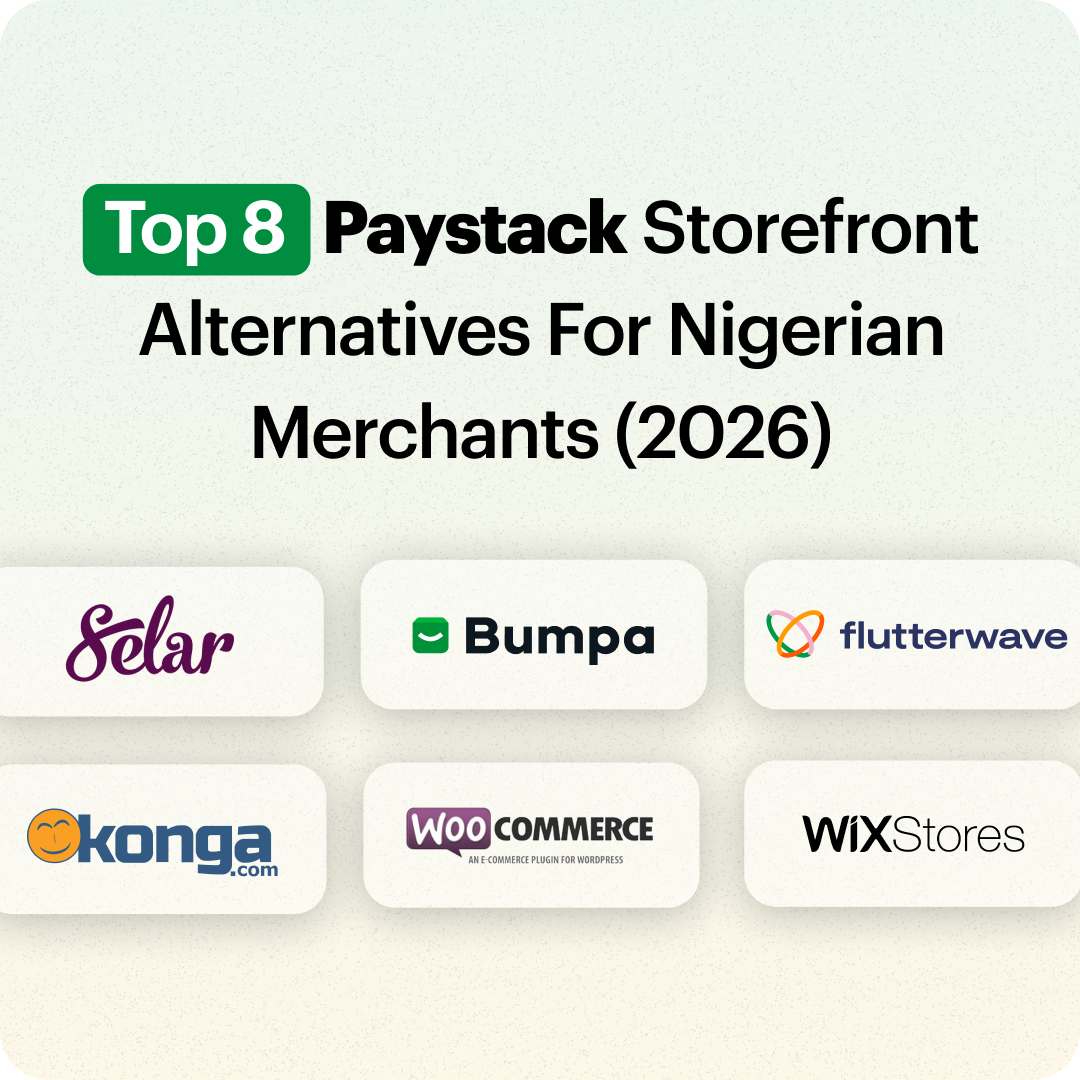
8 Best Paystack Storefront Alternatives Nigeria (2026)

Sales
How to Start an Online Business in Kenya (2026 Complete Guide)

Features
Bumpa POS: A Simple Point of Sale System for Businesses in Nigeria

Entrepreneurship
How Bumpa Helps Business Owners Adapt To Nigeria’s New Tax Laws in 2026
Sales
5 Reasons Why Your Business Isn't Making Money (And How To Fix It)
Features
Selling Internationally: Start Collecting Foreign Payments with Bumpa’s Multi-currency Feature!

Features
How to Get Started on Bumpa: An Onboarding Guide.
Tips
10 Small Business Ideas you can start with 20,000 in Nigeria in 2026
Tips
How to Collect Customer Reviews and Boost Sales With Them In 2026
Tips
How to File CAC Annual Returns Online in 2026 as a Business Owner

Entrepreneurship
Happening Live: 30 Days of Bumpa with Kelvin! (Plus 3M Up for Grabs)!
Features
What’s New This Month for Your Business (November 2025)

Entrepreneurship
Share Your Story, Win ₦500,000: Bumpa Business Story 2025
Features
Bumpa Product Updates: What’s New This Month for Your Business (October 2025)
Features
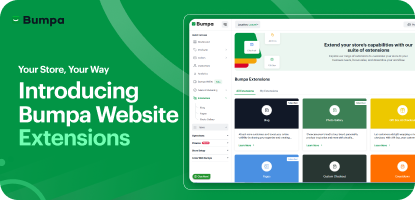
Your Store, Your Way: Introducing Bumpa Website Extensions
Tips
Black Friday Coupon Code Ideas (2025): 27 Proven Promos + How to Name, Cap, and Track Them
Communities
"We Don't Do Impossible" - Celebrating CX Week at Bumpa
Tips
How to Create Professional Invoices for Small Businesses with an Online Invoice Generator
Tips
How to Create & Start an Online Store in Nigeria in 2024
Features
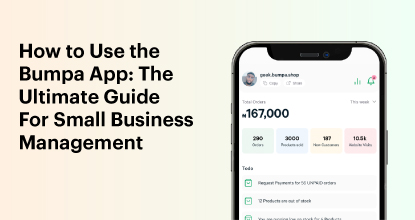
How to Use the Bumpa App: The Ultimate Guide For Small Business Management
Features
Recover More Sales With Bumpa’s New Automated Abandoned Order Reminders
Tips
Black Friday 2025: The Business Guide to Deals That Triple Your Sales
Spotlight
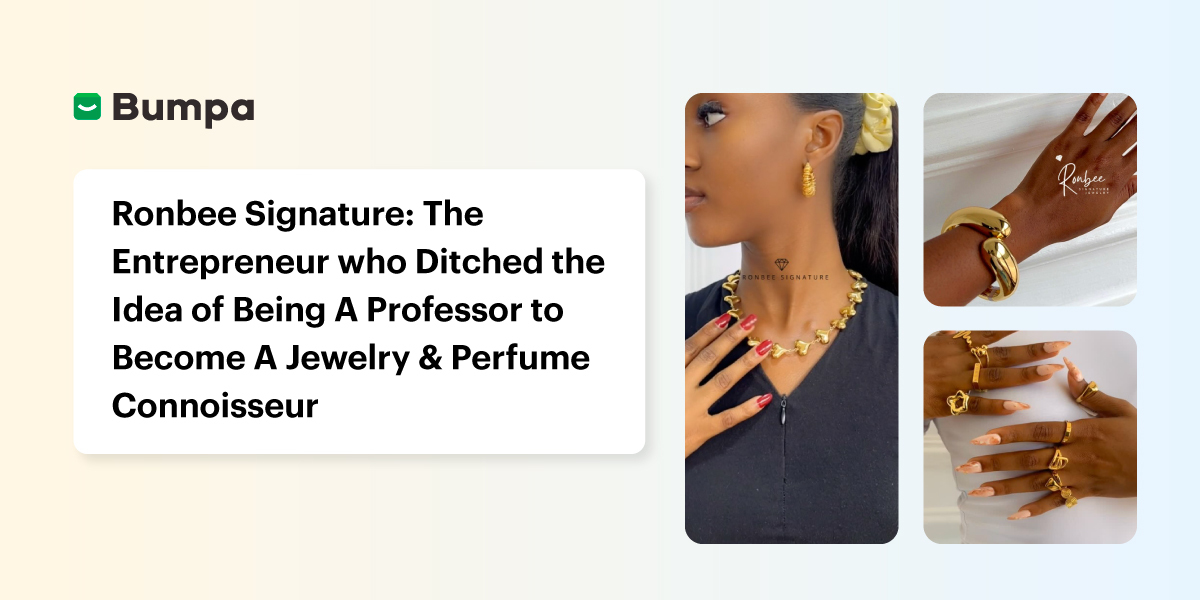
Ronbee Signature: The Entrepreneur who Ditched the Idea of Being A Professor to Become A Jewelry & Perfume Connoisseur.
Spotlight
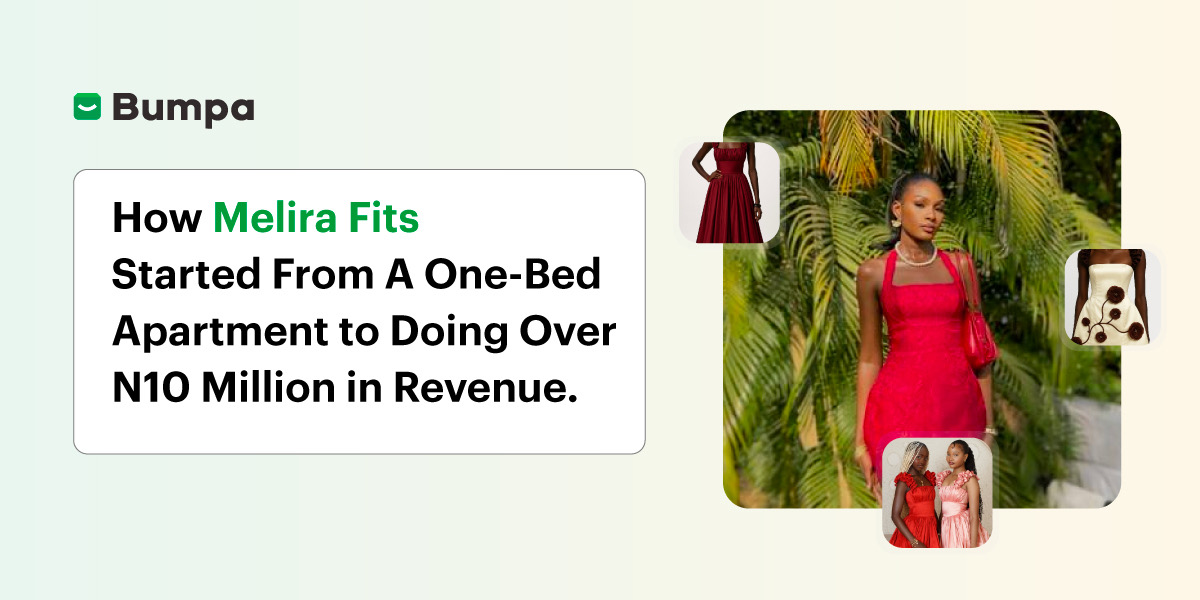
How Melira Fits Started From A One-Bed Apartment to Doing Up To 15 Million in Revenue.
Features
Get Amazon-Level Delivery for your Business with Bumpa’s New Shipping Automation
Tips
How Businesses (Small and Big) Are Making Big Money with AI in 2025! (Here's How)
Tips
How to Make Money on the Internet in 2025 (12 Easy E-commerce Hustles That Actually Pay)

Tips
These 7 Business Finance Mistakes May Cost You Millions !
Tips
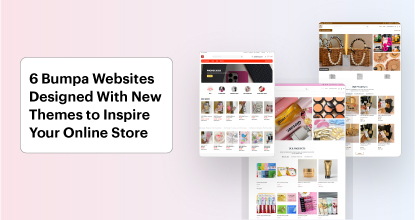
6 Bumpa Websites Designed With New Themes to Inspire Your Online Store
Features
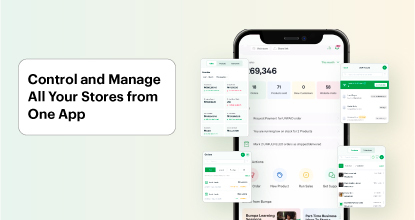
The Ultimate Guide to Managing Your Multiple Stores for Your Business with Bumpa
Features
How to Set Up Google Analytics for Your Bumpa Website
Tips
These 5 Urgent Fixes Will Save Your Dying Online Store!
Entrepreneurship
Be Part of Something Big: Join Our Partners' Program To Help Businesses Go Digital with Bumpa!
Tips
How to Write Product Descriptions that Convert Online Shoppers + Examples & Template
Features
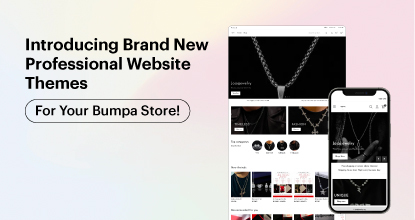
Introducing Brand New Professional Website Themes & Templates For Your Bumpa Store!

Entrepreneurship
ShowUp #2: Love is in the Air! (And So Are Sales)
Tips
How to Turn your Products into Irresistible Valentine's Day Gifts

Features
How to Add Shipping Fees on Your Bumpa App
Features
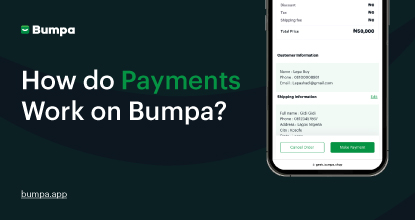
How does Online Payment Work on Bumpa?
Entrepreneurship
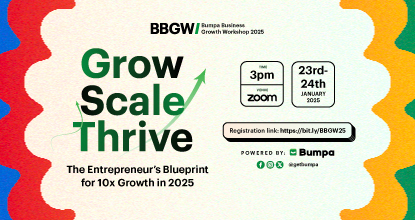
The Biggest Business Growth Event (BBGW) of 2025 Is Here!

Tips
Top 8 Trending Products to Launch a Successful Online Business in 2025

Tips
4 Secret Growth Strategies Smart Businesses Are Stealing in 2025

Entrepreneurship