Entrepreneurship
How to Prepare Your Business for Black Friday (2025): A Simple 10-Step Plan With Checklists and Templates
Entrepreneurship



Most small businesses lose Black Friday sales before the day even starts, because the prep never happened. If you want this Black Friday to actually convert, this guide is for you.
Not on Bumpa yet? Sign up for free today and get every tool in this guide, from tracking inventory to email, SMS, and running it all from one dashboard.
In 2024, shoppers spent over $9.8 billion online on Black Friday alone. But small businesses only captured a fraction of that surge. Why? Too many got overwhelmed before the week even began.
We get it. When you're juggling product restocks, flyers, delivery chats, pickup requests, and 3 different group chats for marketing ideas, Black Friday starts to feel like driving a molue without the brakes.
This guide is your brake pedal.
We've built a 10-step plan that fits into one hour a day, with clear checklists, guardrails for your profit margin, and plug-and-play templates for email, SMS, and signage. You'll also learn how to prep smarter (not harder) for the way customers actually shop today: on mobile, from social, and with the expectation of speed and clarity.
And if you're using Bumpa, we'll show you exactly how to turn these steps into real outcomes, from setting up a timed offer on your product page to auto-sending a last-chance SMS when stock gets low.
Related: 5 Must-Haves for a Successful Black Friday Sale
Step 1 — Set Simple Goals and One Offer
Before you post a single story or send a teaser email, pause and ask: what do I want this Black Friday to do for my business?
The most successful small business Black Friday campaigns don't try to do everything. They choose one clear goal and one strong, margin-safe offer that supports it. Start with your goal — what's most valuable to your business right now?
Revenue target: need to boost cash flow? Go with a limited-time offer that raises AOV, like bundles or gift card promos.
List growth: want more customers you can re-engage later? Offer a bonus for email or WhatsApp sign-ups.
Loyalty sign-ups: looking for retention? Reward repeat buyers or launch a "member-only" early access deal.
You don't need to offer everything to everyone. Your "backup" offer can be reserved for a second audience (VIPs, lapsing customers) or saved for Cyber Monday. Once your goal is set, match it with one primary offer.
Step 2 — Protect Margin with Guardrails
Here's a simple rule of thumb: always keep at least 50% of your original margin after a discount.
Do the math most small business owners skip: Price ₦30,000, Cost ₦18,000, Margin ₦12,000 (40%). Knock 20% off that item (₦6,000), and you're left with just ₦6,000 in profit — half your margin, gone.
Instead of racing to the bottom with discounts, you can:
Bundle a fast-seller with a slow-mover to lift your AOV and clear inventory.
Use thresholds ("Spend ₦50k, get ₦5k off") to protect profit and boost total cart size.
Offer gift card bonuses that are redeemed post-holiday when sales are slower.
Related: Black Friday Coupon Code Ideas (2025): 27 Proven Promos
Related: Pricing Strategies: How to Price Your Products for Profit as a Small Business in Nigeria
Step 3 — Forecast Demand and Lock Inventory


If your best-selling product sells out on Day 1, you've got a problem. If it doesn't sell out because you never stocked enough, you've got a bigger one. Black Friday isn't the time to guess.
Start this way:
Review last year's data: what moved fastest? What sold out? What didn't budge?
Identify 2–3 hero products to spotlight in your campaign — your front-runners.
Set reorder points: how low is too low before you panic-order more?
Bumpa tip: if you've tracked your orders and stock in Bumpa, check your Analytics to see how products performed in the same period last year — total sales, sales by channel, top and least performing products, and more. It's not too early to start preparing for Black Friday 2026, download the Bumpa app and start tracking now.
Related: 3 New & Powerful Bumpa Inventory Management Features Your Business Needs!
Step 4 — Tune Website and Mobile Checkout
Most shoppers will likely never see your store in person. Mobile accounted for 79% of traffic and over 50% of orders during Black Friday 2024 (Shopify). That means your store has to load fast, work beautifully on small screens, and never fumble the checkout.
Before you post another promo, run a 10-minute website QA:
Site loads in under 3 seconds on mobile.
All buttons work as they should — is "Add to Cart" easy to tap?
Payment options all work perfectly.
Return & refund policy is visible before checkout.
Store hours & delivery timeframes are updated and visible.
Shipping options are clear at checkout.
Pickup or location info is included for local buyers.
Contact options like WhatsApp, email, and live chat are included.
For Bumpa users: test your checkout flow in preview mode and toggle payment options like Paystack, Nomba, bank transfer, or Bumpa Terminal on or off in seconds.
Related: How to Collect Payments for Your Business: Complete Guide to Bumpa's Payment Methods
Step 5 — Create One Landing Section for Your Offer
You've done the work — now how do you explain your offer? Whether you're sending traffic from WhatsApp, Instagram, email, or SMS, it all needs to lead to one place: a clean, simple landing section that says exactly what the offer is, who it's for, and how to claim it. You're not building a new website — you're building one high-converting section, so shoppers don't scroll, they shop.
Six elements of a winning landing section:
Headline: a simple phrase, e.g. "Black Friday starts now. One simple offer."
Offer box: what the deal is, who it's for, how to claim it, and valid hours.
Countdown timer: builds urgency, use your local timezone.
3 value bullets: e.g. "Fast checkout. Save up to 30%. Local Support."
CTA buttons: "Cash my offer in," "Use my discount code," "Save my spot."
Mini FAQs: terms and conditions, discount code validity period, etc.
With the Bumpa extensions feature, you can build a landing page banner, update the homepage headline, add a timer widget, and embed your offer FAQ — all within minutes.
Related: Your Store, Your Way: Introducing Bumpa Website Extensions
Step 6 — Build Your Email Plan (3-Send Sequence)

If you only do one thing for Black Friday marketing, it should be sending out emails. Email still drives 27% of Black Friday revenue, according to Omnisend, and it works even better for small businesses because your audience actually wants to hear from you. But one email isn't enough — most inboxes are flooded during BFCM, so timing and subject lines matter just as much as the offer itself.
Email 1: Teaser (48 hours before launch)
Subject: "It starts soon: Early access for subscribers"
Body: "We're giving our subscribers early access to a one-day-only Black Friday deal. Set your alarm — your offer arrives in 48 hours."
CTA: Be first in line →
Email 2: Launch (morning of launch day)
Subject: "Black Friday is live. 24 hours only."
Body: "It's here: one simple offer to kick off Black Friday. Easy checkout. Real savings. Local support. Tap below to shop now. Ends tonight."
CTA: Shop the Black Friday Offer
Bonus tip: add a countdown timer GIF for visual urgency, and use a link shortener like Bitly to track clicks with UTM parameters.
Email 3: Last-Chance (final 2 hours before close)
Subject: "2 hours left to claim your bonus gift"
Body: "Final call! Your Black Friday deal ends at midnight. Got your cart ready? Bonus gift on orders over ₦X. Just 2 hours left."
CTA: Shop before it's gone
Pro tip: resend each email to non-openers the next morning with a new subject line, like "Still shopping? Here's your early access link." This alone can lift your open rate by 20–30% with zero new content.
With Bumpa, send all three emails straight from your dashboard, segment by customer activity, insert discount codes, and track who clicks vs. buys.
Related: Create Emails That Drive Sales with Bumpa's Sales Email Template
Related: 6 Email Campaign Ideas to Increase Black Friday Sales
Step 7 — Add SMS and a Simple Social Countdown

Most Black Friday shoppers don't sit by their inbox. They scroll, they tap, they forget. That's why prep isn't complete without SMS to reach them in the moment, and social countdowns to stay visible in the feed.
SMS: your pocket-sized salesperson
Open rates run as high as 98%, with over 90% read within 3 minutes.
Opt-in check (48 hours before): "Hi! Want Black Friday alerts from us? Reply YES to get early access + a gift."
Launch ping (9 a.m. on offer day): "We're live. One-day offer. Free gift on orders over ₦50,000. Tap to shop now: [short link]"
2-hour warning (9–10 p.m.): "2 hours left. Your code: BF20. Ends at midnight. Shop now: [short link]"
On Bumpa Pro, send SMS to tagged customer lists (big spenders, lapsed buyers) so every message feels personal and precise.
Social countdown: a proven 3-post sequence
Post 1 (two days before): "It's 48 hours to the biggest sale of the year. Don't miss this → [link in bio]." A flat lay of your product, wrapped with a "Coming Soon" tag.
Post 2 (morning of): "We're Live! Doors open at 8. Bonus gift for the first 20 customers. 🎉 [link in bio]." Team photo or handwritten sign — make it human.
Post 3 (final hours): "2 hours left. Bonus gift ends at midnight. Use code: BF20. ⏳ [link in bio]." Close-up product photo with "Last Call: Ends at Midnight."
Related: Sending Bulk SMS to Your Customers is Now Better On Bumpa!
Related: Instagram Marketing: 10 Ways to Grow Your Small Business with Instagram!
Step 8 — Staff, POS, Shipping, and Pickup

A perfect promotion means nothing if you're scrambling at the counter or swamped in DMs. Before doors open (physically or virtually), your people, tools, and policies need to be locked in.
Map your shift plan around the busiest hours — usually 10 a.m.–2 p.m., with a second spike from 5–9 p.m.:
Time | Staff Needed | Task |
8–10 a.m. | 1–2 | VIP setup, signage, early birds |
10 a.m.–2 p.m. | 2–3 | Fulfill orders, greet customers |
2–5 p.m. | 1–2 | Refill stock, customer support |
5–9 p.m. | 2 | Final push, shipping prep |
Test your POS like a customer the day before: can you process mobile payments (USSD, Tap, QR, POS)? Are promo codes active? Do receipts print or send via SMS/email? Is there an easy refund method? Can you pause and resume orders mid-transaction?
With Bumpa POS, your phone or tablet becomes a register — check inventory, collect payments, and issue digital receipts with no extra hardware.
Finalize shipping and pickup ahead of time and make it clear across every channel. Have delivery partners? Set a shipping threshold or flat fee. Doing in-store pickup? Let customers pay online and collect in person (bonus: foot traffic means impulse buys). Delivering it yourself? Cap order volume and confirm addresses same-day via WhatsApp.
On Bumpa, sync orders, print packing slips, and track deliveries from one dashboard — even across nationwide shipping or split orders.
Related: Bumpa POS: A Simple Point of Sale System for Businesses in Nigeria
Related: Get Amazon-Level Delivery for Your Business with Bumpa's New Shipping Automation
Step 9 — In-Store Signage and Customer Support
People don't read long captions or fine print when they're shopping — they're moving fast, scanning for value, and deciding within seconds whether to stay or scroll on. Your job is to make the offer scream clarity, both in-store and online.
That means signs that speak immediately, and a support experience that feels like "Wow, they actually thought this through." Keep your font large, your message short, your layout clean. Think: one bold headline plus one action line.
Step 10 — Post-BFCM Follow-Up and Retention
Here's the part most businesses skip — and the part that quietly builds empires. You've survived the rush, orders came in, customers showed up. But the real question is: who's coming back?
If Black Friday was a party, your post-BFCM follow-up is the "thanks for coming" gift, and the invitation to your next big thing.
Start with a thank you that actually gives
Send a thank-you email or WhatsApp broadcast with care tips for what they bought, 2–3 product pairings they might love next, and an invite to your loyalty list or WhatsApp channel.
"Hey, thanks for shopping small this Black Friday! We thought you might love these too → [suggestions]. Want early access to our December drop? Join our WhatsApp list."
On Bumpa, segment buyers by product or amount, build a reusable template, and schedule it 48 hours post-purchase, while they're still glowing.
Offer a second-chance sale, but keep it small
Black Friday shoppers fall into three groups: bought, forgot, and almost did (but the kids cried or the bank app crashed). That third group is your goldmine. Run a 24-hour "Second Chance" campaign with a smaller bonus ("₦2,000 bonus on ₦20k spend") on 3 SKUs, sent via SMS or WhatsApp with a personal tone.
In Bumpa, filter your campaign by "added to cart but didn't pay" and message them directly: "We saw you loved this. Want a ₦2,000 bonus to finish your order? Ends tonight."
Use your learnings to refine Q1
If you don't look back at what worked, next year will feel just as chaotic. Ask:
What converted best, and what sat untouched? Check sales by product + discounts used.
Where did traffic actually come from? UTM links + referral breakdown.
What time did most people buy? Orders by hour/day.
What slowed us down? Support chats and feedback.
Use what you find to tweak pricing, update FAQs, and simplify your calendar for Q1 — Bumpa's analytics tab makes the trends easy to spot, no spreadsheet required.
Your deliverables for this step: a post-sale thank-you email with real value, a second-chance campaign for non-buyers, and a simple debrief document with your Q1 lessons.
So, How Do You Prepare Your Business for Black Friday?
You do it with a plan, a pencil, and a tool like Bumpa that handles the tech so you can focus on the magic. You show up for your customers not just on the day, but after it too. And you don't just chase one-day spikes — you build momentum that carries into next quarter and beyond.
You've got your 10 steps. You've got your templates. Now go get that growth. 💥
👉 Ready to make this your best Black Friday ever? Set up your Bumpa store now.
Frequently Answered Questions
1. How should a small business prepare for Black Friday?
Pick one clear offer with margin guardrails. Create a one-section landing page. Run a three-email plan with SMS and a social countdown. Staff up, test POS and mobile checkout, set shipping or pickup, and update FAQs. Keep the message simple so customers act fast.
2. What should I do first when planning for Black Friday?
Set one goal and choose one offer to match. Write your price, cost, and margin, then set a safe discount cap. Lock inventory and suppliers. Put everything on a one-page plan with dates, channels, and a success metric so you can focus on the next steps.
3. How early should I start preparing?
Begin several weeks ahead if possible. Build your calendar, confirm inventory and staffing, and get your website and mobile checkout ready. Early planning gives you time to fix issues and warm up email and social audiences with simple countdown content.
Related Articles
View Related Articles Here

Spotlight
The Extra Mile: Celebrating Customer Service Week 2026 at Bumpa

Features
8 Things You Can Automate on Bumpa So Your Business Runs While You Rest

Features
How to Set Up TikTok Pixel on Bumpa | Step-by-Step Guide

Features
Collect the Birthday & Gender Information of Your Customers Through Multiple Ways on Bumpa.

Entrepreneurship
How to Get Paid Faster: The Complete Guide to Business Payments in Nigeria & Kenya

Tips
How to Choose the Right Payment Options for Your Customers in 2026

Features
How to Set Up Facebook Pixel on Bumpa | Step-by-Step Guide

Entrepreneurship
How to Build a Good Inventory Management System (Step-by-Step)
Tips
How to Keep Daily Records of Sales for Your Business Easily
Tips
How to Detect, Deal with & Prevent Fake Bank Alerts for Your Business

Sales
How Gift Cards, Product Bundles, and Add-Ons Can Help You Make More Money Per Order on Bumpa

Entrepreneurship
Pezesha & Bumpa Partner to Empower Merchants with Digital Business Tools

Features
What Happens When My Bumpa Subscription Expires?

Entrepreneurship
How to Track Profit for Your Business in Nigeria in 2026

Tips
7 Signs You Need Inventory Management Software In 2026

Entrepreneurship
How to Prepare Your Business for Black Friday (2025): A Simple 10-Step Plan With Checklists and Templates

Entrepreneurship
Black Friday Marketing Strategy In 2026: 7-Day Plan for Small Businesses

Tips
When to Restock Inventory: Reorder Point Guide for Nigerian Businesses in 2026

Entrepreneurship
Inventory Management for Fashion & Clothing Business in Nigeria [2026]

Tips
6 Ways to Stop Staff From Stealing Your Stock (Without Losing Trust in Your Team)

Tips
Instagram Business Account Disabled? Here's Exactly What to Do in the Next 24 Hours (2026 Guide)

Entrepreneurship
From One Blender to 25 Branches and Counting: How FruityLife Manages Its Business with Bumpa

Features
New on Bumpa: The July Updates That Make Running Your Business Easier

Features
Create Emails That Drive Sales with Bumpa's Sales Email Template

Features
June Bumpa Product Update: Here's what's new!

Tips
8 Things To Do Before You Launch Your Online Store In 2026

Tips
10 Ways to Get more Customers & Increase Sales for your Business

Tips
Top 5 Online Selling Platforms & Sites in Nigeria (2026 Guide)
Tips
How to Optimise your Bumpa Website for more Visibility on Google in 2026!

Entrepreneurship
How To Start A Bag & Accessories Business In Nigeria In 2026

Tips
When to Upgrade Your Bumpa Plan And How to Know You're Ready

Entrepreneurship
10 Signs Your Business Needs Better Structure and Organization In 2026

Entrepreneurship
Bumpa vs WooCommerce: Is "Free and Powerful" Actually Free for Nigerian and Kenyan Businesses?

Entrepreneurship
Bumpa vs Shopify: Which Platform Actually Works Best For African Businesses?

Features
How to Improve SEO for Your Bumpa Website in 14 Steps

Features
Is the Bumpa App Free? (2026 Update: What’s Free, What’s Paid & What You Get)

Entrepreneurship
How to Use Social Media to Drive Sales to Your Bumpa Store In 2026

Entrepreneurship
25 Small Business Ideas in Kenya with Low Capital (2026 Guide)
Features
Every Physical Store You Add on your Bumpa Account Now Has Its Own Terminal Account. Here's Why It Matters

Features
Grow Your Business Faster with Loans: Say Hello to Bumpa Capital!

Features
How to Stop Staff Theft in Your DMs and Your Physical Store Using Bumpa
Tips
Business Name Ideas - How to Generate One + 42 Examples

Entrepreneurship
Bumpa vs Wix: A Guide for Nigerian Business Owners

Entrepreneurship
Bumpa vs Paystack Storefront: Which Is Right for Your Business?

Entrepreneurship
Bumpa vs Flutterwave Store: What Nigerian Sellers Actually Need to Know
Entrepreneurship
7 Marketing Tools You Can Use on Bumpa To 5x Sales. (Free & Paid 2026)

Spotlight
From a Mom's Shop Floor to 10K Orders: How Harjoke Fabrics Automated Sales with Bumpa
Features
Bumpa Wallet Is Here: A Faster Way to Get Paid Instantly, Grow Your Money & Stay in Control
Spotlight
For our One of One, Teejay…
Entrepreneurship
8 Best Paystack Storefront Alternatives Nigeria (2026)

Sales
How to Start an Online Business in Kenya (2026 Complete Guide)

Features
Bumpa POS: A Simple Point of Sale System for Businesses in Nigeria

Entrepreneurship
How Bumpa Helps Business Owners Adapt To Nigeria’s New Tax Laws in 2026
Sales
5 Reasons Why Your Business Isn't Making Money (And How To Fix It)
Features
Selling Internationally: Start Collecting Foreign Payments with Bumpa’s Multi-currency Feature!

Features
How to Get Started on Bumpa: An Onboarding Guide.
Tips
10 Small Business Ideas you can start with 20,000 in Nigeria in 2026
Tips
How to Collect Customer Reviews and Boost Sales With Them In 2026
Tips
How to File CAC Annual Returns Online in 2026 as a Business Owner
Entrepreneurship
Happening Live: 30 Days of Bumpa with Kelvin! (Plus 3M Up for Grabs)!
Features
What’s New This Month for Your Business (November 2025)

Entrepreneurship
Share Your Story, Win ₦500,000: Bumpa Business Story 2025
Features
Bumpa Product Updates: What’s New This Month for Your Business (October 2025)
Features
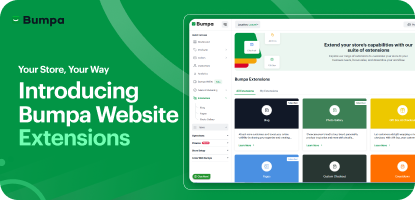
Your Store, Your Way: Introducing Bumpa Website Extensions
Tips
Black Friday Coupon Code Ideas (2025): 27 Proven Promos + How to Name, Cap, and Track Them
Communities
"We Don't Do Impossible" - Celebrating CX Week at Bumpa
Tips
How to Create Professional Invoices for Small Businesses with an Online Invoice Generator
Tips
How to Create & Start an Online Store in Nigeria in 2024
Features
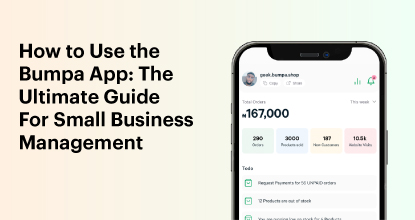
How to Use the Bumpa App: The Ultimate Guide For Small Business Management
Features
Recover More Sales With Bumpa’s New Automated Abandoned Order Reminders
Tips
Black Friday 2025: The Business Guide to Deals That Triple Your Sales
Spotlight
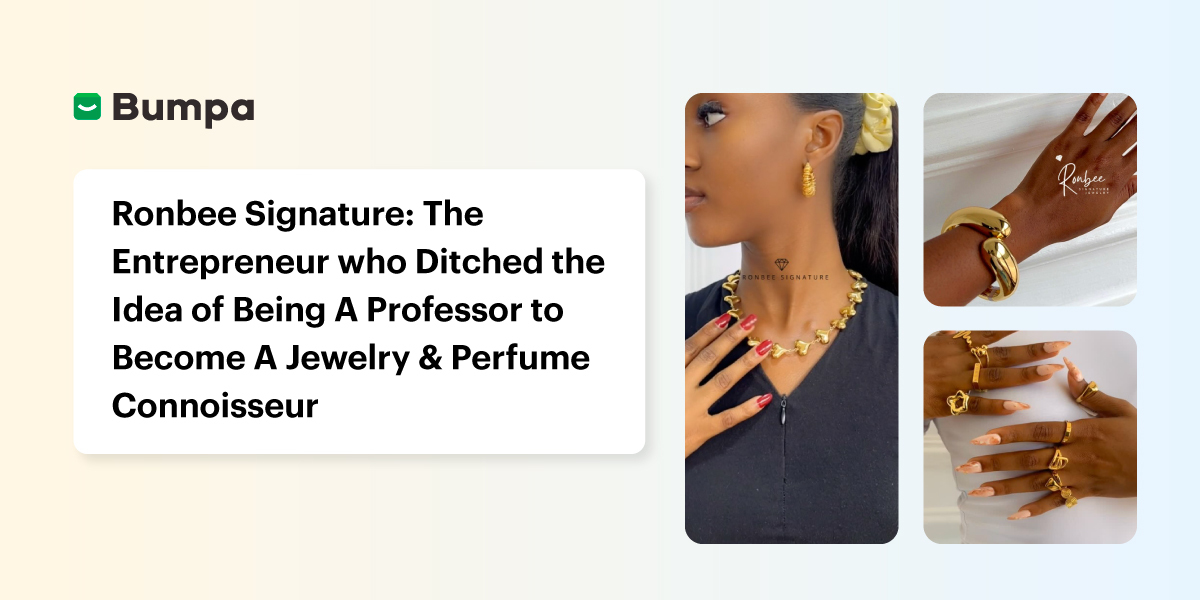
Ronbee Signature: The Entrepreneur who Ditched the Idea of Being A Professor to Become A Jewelry & Perfume Connoisseur.
Spotlight
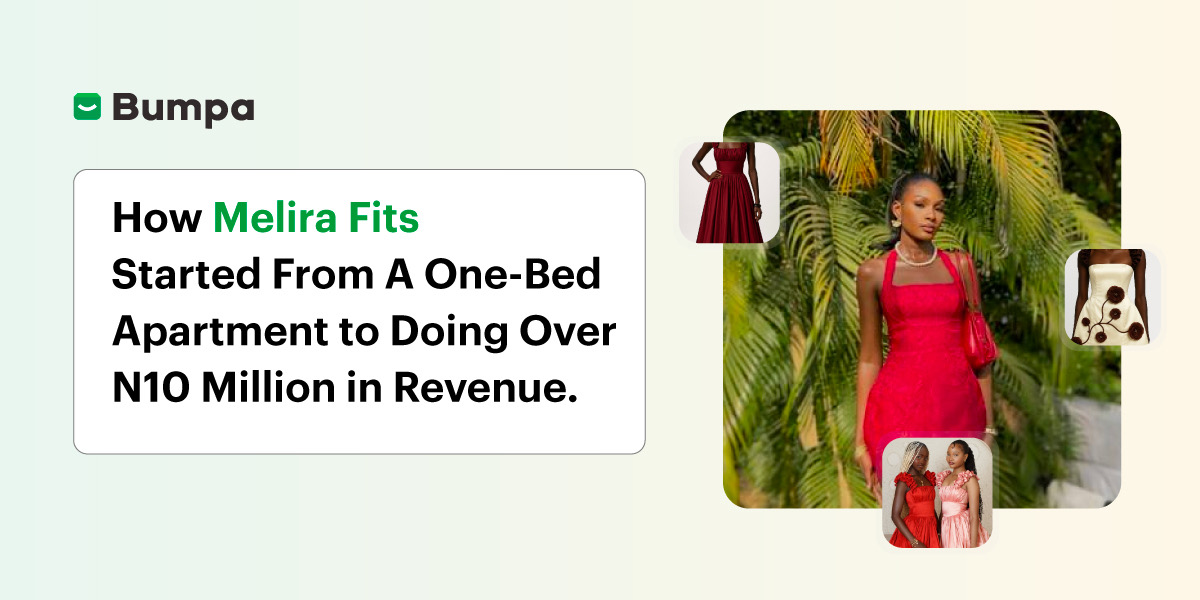
How Melira Fits Started From A One-Bed Apartment to Doing Up To 15 Million in Revenue.
Features
Get Amazon-Level Delivery for your Business with Bumpa’s New Shipping Automation
Tips
How Businesses (Small and Big) Are Making Big Money with AI in 2025! (Here's How)
Tips
How to Make Money on the Internet in 2025 (12 Easy E-commerce Hustles That Actually Pay)

Tips
These 7 Business Finance Mistakes May Cost You Millions !
Tips
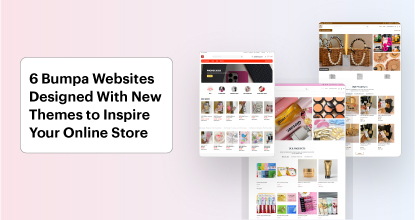
6 Bumpa Websites Designed With New Themes to Inspire Your Online Store
Features
The Ultimate Guide to Managing Your Multiple Stores for Your Business with Bumpa
Features
How to Set Up Google Analytics for Your Bumpa Website
Tips
These 5 Urgent Fixes Will Save Your Dying Online Store!
Entrepreneurship
Be Part of Something Big: Join Our Partners' Program To Help Businesses Go Digital with Bumpa!
Tips
How to Write Product Descriptions that Convert Online Shoppers + Examples & Template
Features
Introducing Brand New Professional Website Themes & Templates For Your Bumpa Store!

Entrepreneurship
ShowUp #2: Love is in the Air! (And So Are Sales)
Tips
How to Turn your Products into Irresistible Valentine's Day Gifts
Features
How to Add Shipping Fees on Your Bumpa App
Features
How does Online Payment Work on Bumpa?
Entrepreneurship
The Biggest Business Growth Event (BBGW) of 2025 Is Here!

Tips
Top 8 Trending Products to Launch a Successful Online Business in 2025
Tips
4 Secret Growth Strategies Smart Businesses Are Stealing in 2025
Entrepreneurship
ShowUp #1: Thank You for 2024 and Welcome to 2025! 🎉
Features
What to Know about Bumpa’s KYC Verification & Fraud Prevention

Entrepreneurship
Shape Your 2025: 50 Motivational and Inspirational Quotes Every Business Owner Needs
TipsFeatures
25 Marketing Strategies for Increasing Sales to Implement on Day One of 2025!
Entrepreneurship
The Season of Sales - Lessons, Tips & Giveaways

EntrepreneurshipFeatures
A Good Time For Gifts: Celebrating Our Super Sellers with WiiCreate! 🎁

Entrepreneurship
How Lagos's Top Parfait Brand, Melony Pine Fruit Hub Manages Its Growing Success with Bumpa
Features
Bumpa's Invoice Generator 2.0: Now with Custom Notes & Upgraded Shipping Slips
Features